Best Vocal Plugins
This blog focuses on the current favourite plugins for processing vocals, with more of a narrowed focus on electronic music and pop, so please bear this in mind. The aim is to break the plugins down into categories for Correction, EQ, Compression, Saturation and Space.
Best Vocal Plugins for Correction
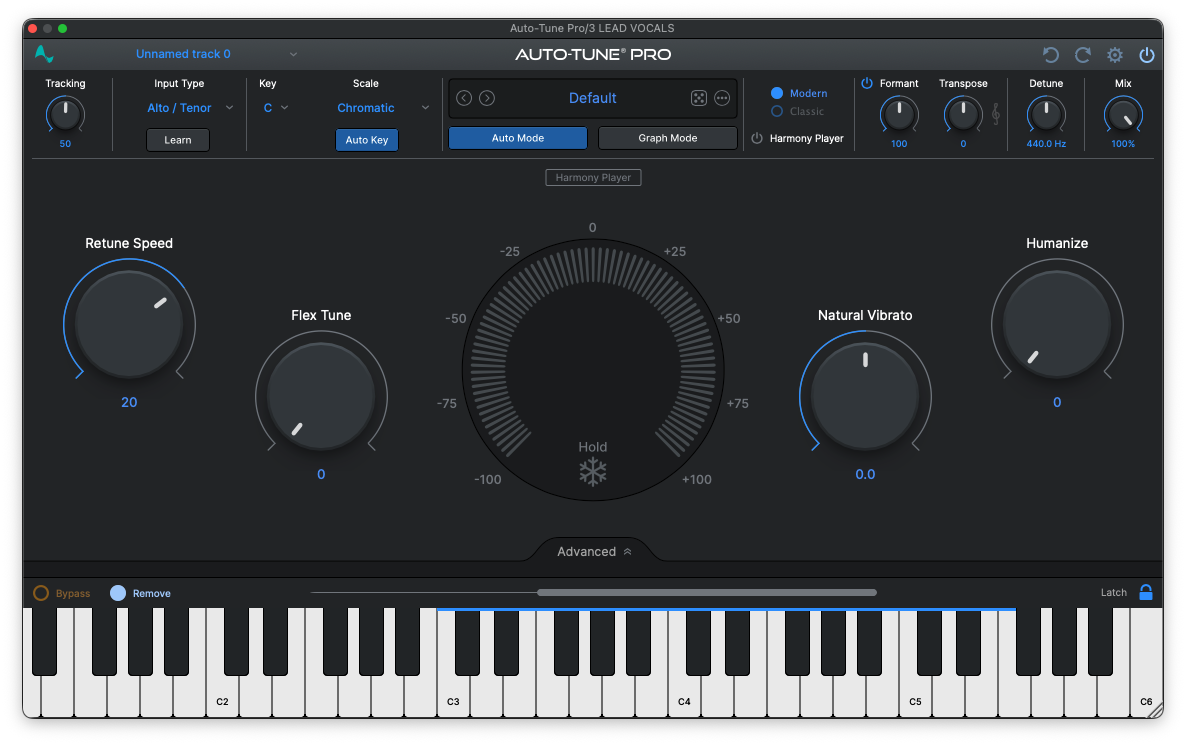
Antares Autotune Pro
Like it or Love it, modern vocals frequently need processing from Autotune. This vocal plugin made the cut because it can do many different levels of processing from subtle and clear pitch correction to bold stylistic effects.
My tip for vocals with Autotune is to try using Melodyne into Autotune, that way you can create even more pronounced pitch effects similar to when the singer performs into the plugin and deliberately pitches their delivery to achieve more or less of the stylistic effect.
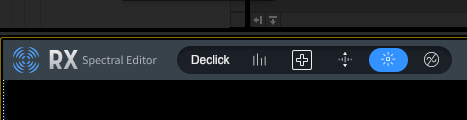
RX Spectral Editing
One element that often needs correction in vocals are the clicks, pops, mouth noise and plosives. I have found that iZotope RX is one of the best tools for this kind of correction. These errors seem small at first but once you get processing the vocal with parallel busses, EQ and compression they start to become obvious and audible, so this plug-in definitely makes it into my list.
My tip for using RX is to use the ‘connect’ tool and send the vocal out of the DAW to the stand-alone to process and then bring it back into the session. This allows you to do only as much correction as needed, you can also hear the changes in context quickly, which I have found to be really powerful when mixing.
Best Vocal Plugins - EQ
Pro Q3 by fabfilter and the stock EQ on Ableton/Pro-Tools are my go-to plugins for almost everything Pro Q3 is my main EQ. However, this list is some of the other EQ or EQ style processors that I find are really useful for vocal mixing.
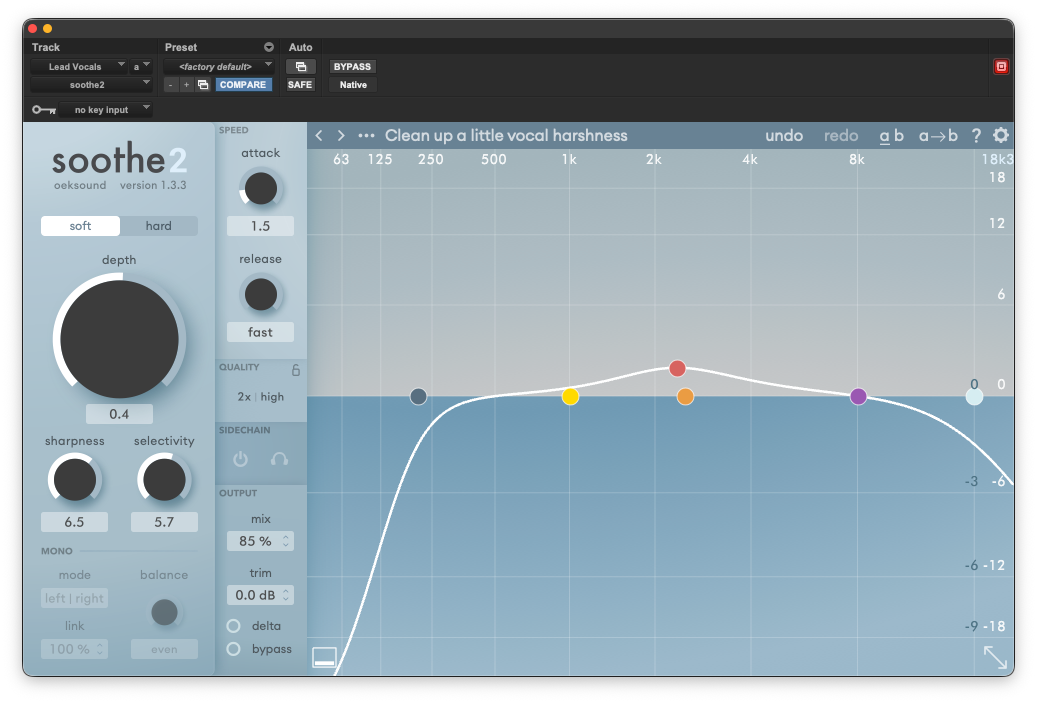
Soothe 2 - Resonance Suppression
Soothe is mostly in the EQ category but is better described as a dynamic resonance suppressor so it also makes a nice bridge from correction plugins. This is incredible for a range of different things, but mainly, I use this for transparent tonal adjustments for vocals. My main tip for this plugin is to use it for the low-mids of the vocals. There can be some build up in the mid-range and if you remove it completely the vocal sounds thin, but if you leave it in the vocal seems box’y. The dynamic nature of the plugin really helps with this to control the vocal in this crucial area and give it the balance of clarity and fullness.
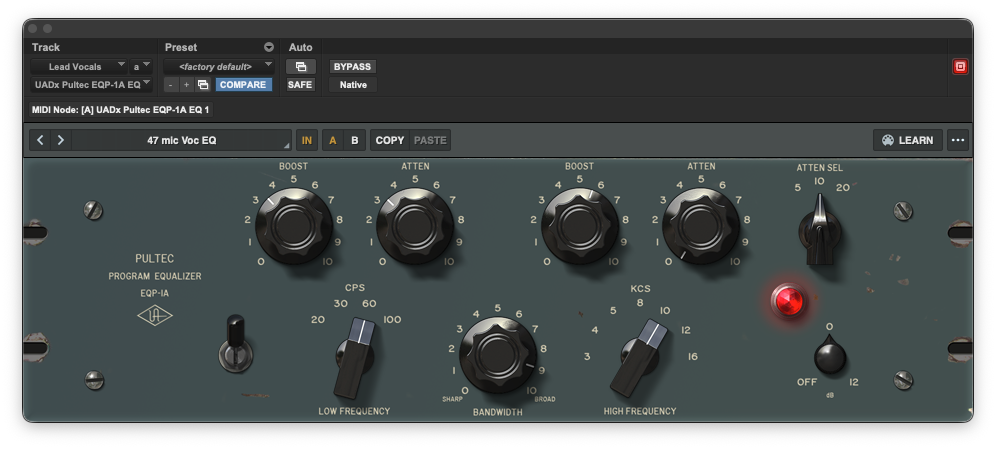
Pultec EQ
One excellent thing about the Pultec style EQ’s is the ability to do the push and pull technique. In the image above it shows 60Hz is both boosted and attenuated by 3.5. You would think that this would just result in no change, but this is not the case. By some sort of audio magic (most likely, the non-linearity of the EQ stages and harmonic distortion from transformers) you get a cool curve and bump that is not what you would think because it effects a really wide range of frequencies and can make the body of the vocal sound more prominent in the mid-range in a desirable way. So that is my tip to explore using the 60 or 100Hz settings to see how you can impact the mid-range of a vocal sound, super cool!
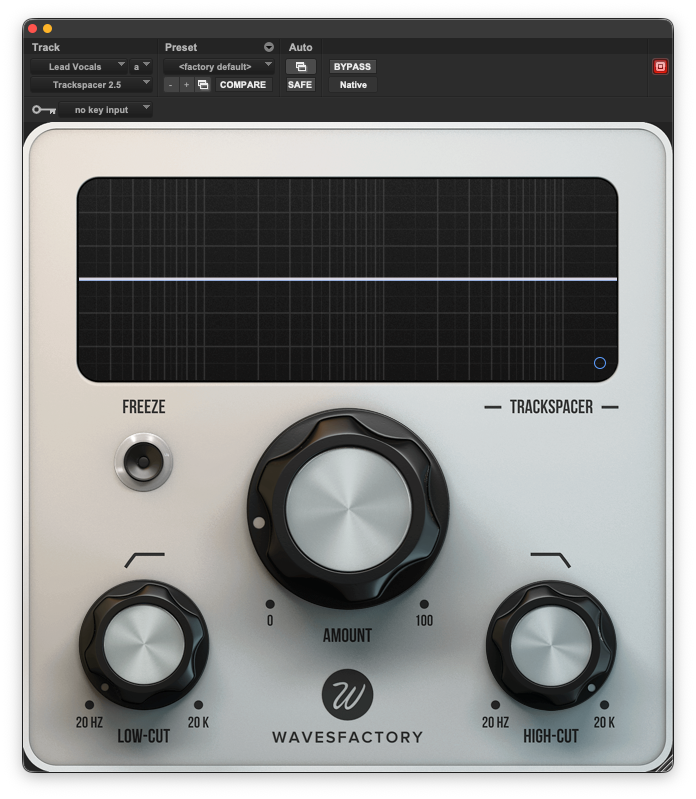
Trackspacer from Wavesfactory
Trackspacer is a plugin that ducks selected frequencies out of other elements, so that your chosen sound has a little bit more room. Making it a side-chain dynamic EQ plugin, who knows? Anyway, this one is not used all the time because Soothe has a side-chain mode for which can be excellent in almost all cases. However, sometimes having a second tool to do the job can be really helpful. For instance if Soothe is already on a sound for resonance suppression, this is when having a different tool that does a good job might be a consideration. My tip for using this sort of plugin is that less is more, so use sparingly. However it can be nice for getting vocals to ‘sit’ a little bit better with other elements.
Best Vocal Plugins - Compression
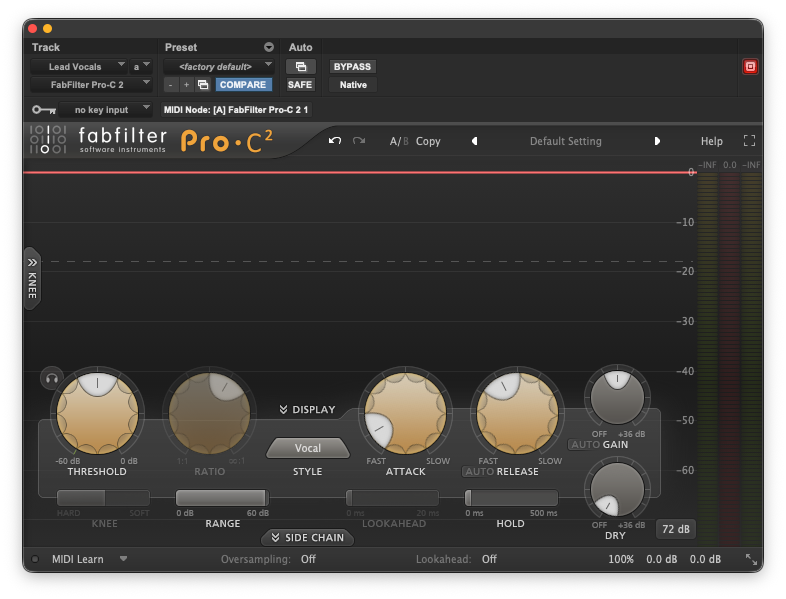
Fabfilter Pro C
This compressor is just excellent. There are a bunch of different styles to try from hyper-clean to subtle distortion. It is my go to for all sorts of compression. Also this is what my go-to for de-essing vocals, using the sidechain it makes it super easy to dial in the exact frequency that you want to address and you can get it tamed. That is my tip for this plugin that it can also be a great de-esser, particularly when combined with a dynamic EQ and soothe.
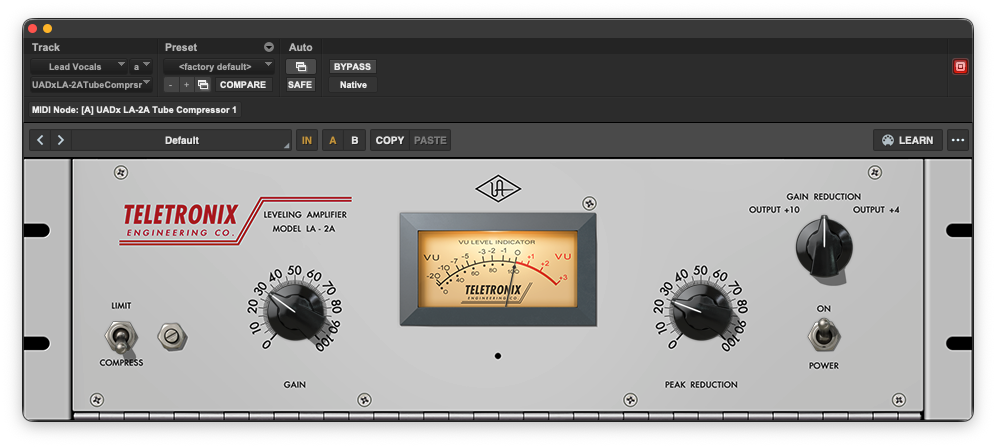
LA2A Plugin
There is a reason that some plugins are just industry standard and get used all the time. The optical style compression is smooth musical and controlled, but in a way that respects dynamics. Counter-intuitively optical compressors (whilst using light) have slightly slower attack times when compared with other styles of compression such as VCA or FET. Approximate attack times vary depending on which module you use but an approximate of 10ms is what you see online. This makes sense for the ‘musical’ aspect of the compressor letting some of the transients through and keeping life in the sound. The release is also multi-stage so the first half is a little quicker and the second half is slower. This is awesome and plays in a big part of give the final audio a smooth and controlled sound, after all, the LA does stand for levelling amplifier.
My tip for the LA2A is to try it with no peak reduction and just use the input gain to add a little drive to the overall sound, just using the harmonic distortion (remember to compensate the output gain at the end).
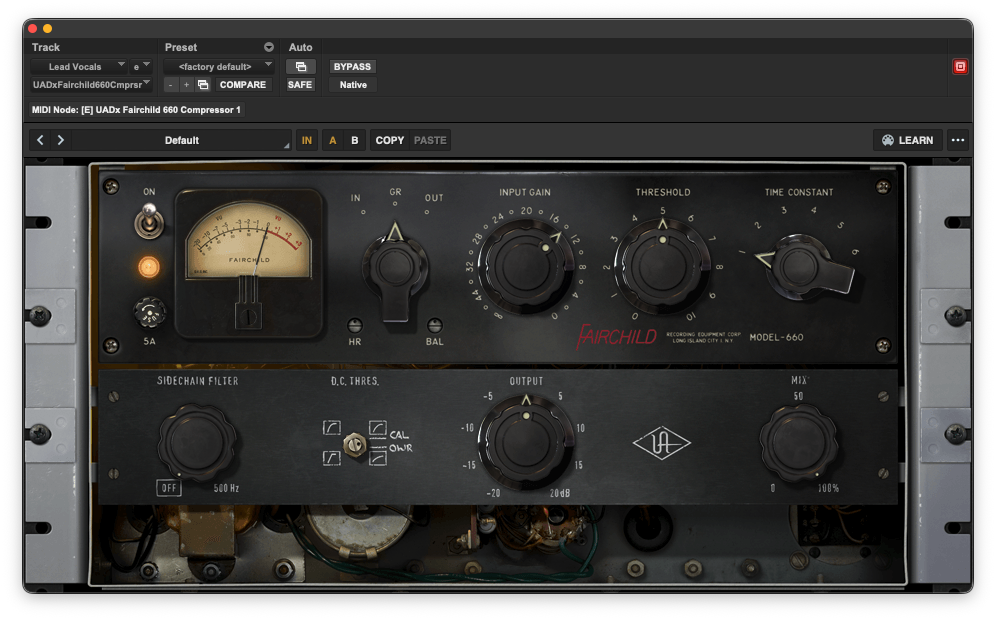
Fairchild 660 Compressor
The original hardware units were a smorgasbord of tubes for warmth and glow. This can be used on vocals to give a subtle warmth and glow to the overall sound and also leads us well into the saturation section because it does that too. It can be important to have a range of compressor styles for different situations, so having a tube compressor emulation was a must for the top vocal plugins list.
My tip for this compressor is the same as the LA2A, try it without any compression happening, just run things through it to hear what it does to the overall sound.
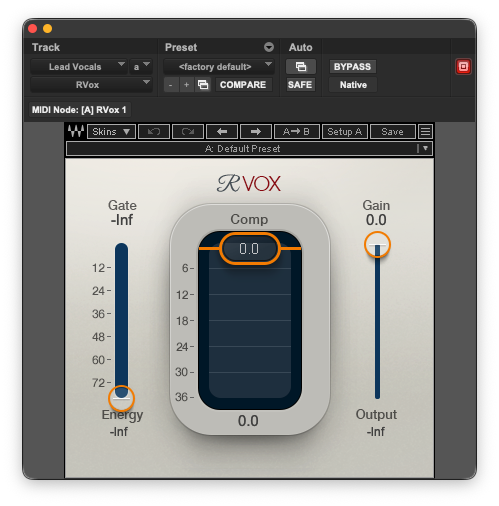
Waves R Vox Plugin
This deceptively simple plugin is great because of its lack of controls. A simple gate, threshold and output gain is all you need. Sometimes clients reference mixes will have a certain sound to them and half of the time it is R-Vox. It has been in the background for years just doing its job, dynamic control. However, the settings that they have dialled in under the hood seem to work pretty well in a good range of instances.
My tip for this one is to try using it in parallel. One instance of the plugin doing gentle and subtle compression and the copy being compressed and gated heavily. This can be an interesting sound to try when you don’t know where to start with a vocal because you have the two signals to balance and automate across the track which can be really helpful.
Best Vocal Plugins - Saturation
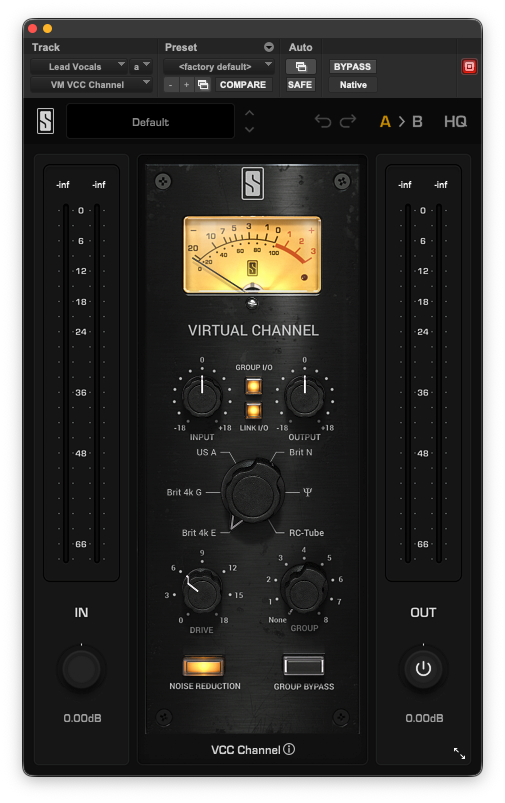
VCC from Slate Digital
This plugin emulates vintage consoles, but more importantly you can use it for saturation. Particularly for Pop and Rap vocals, sometimes you need the vocal to sit exactly where you put it in the mix and for it to be able to compete with big drums, bass and synths. Saturation can help to bring out some of the detail of the vocal to the forefront to help it stand up with all the other prominent sounds.
My tip for this plugin is to (safely) drive the input distortion to be able to hear the effect (be sure to bring down the output gain at the same time by using the link function). Then cycle through the different console emulations to see which one suits the sound you are aiming for. They all have a different character allow you to choose the style of saturation that you want. Brit N seems to be a poplar choice when thinking back over previous mixes.
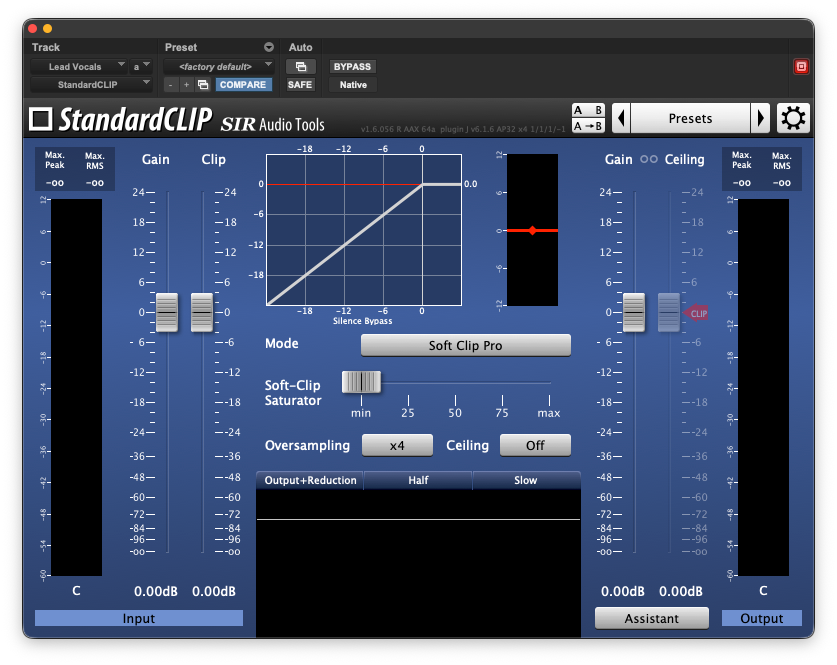
Standard Clip Plugin
Most of the plugins mentioned previously have analogue mojo and harmonic distortion. However, sometimes you need clean and precise clipping. This is when I tend to use standard clip. I like this because it can do hard and soft clipping and it is great to have options to be able to get the right sound dialled in.
My tip for this plugin is to push the input gain a little more than you normally would and try the different modes to see which works best then back the settings down a little bit, this is called the over cook method, push the sound, figure out which control settings you like, then finally apply an appropriate amount of the effect at the end.
Best Vocal Plugins - Space
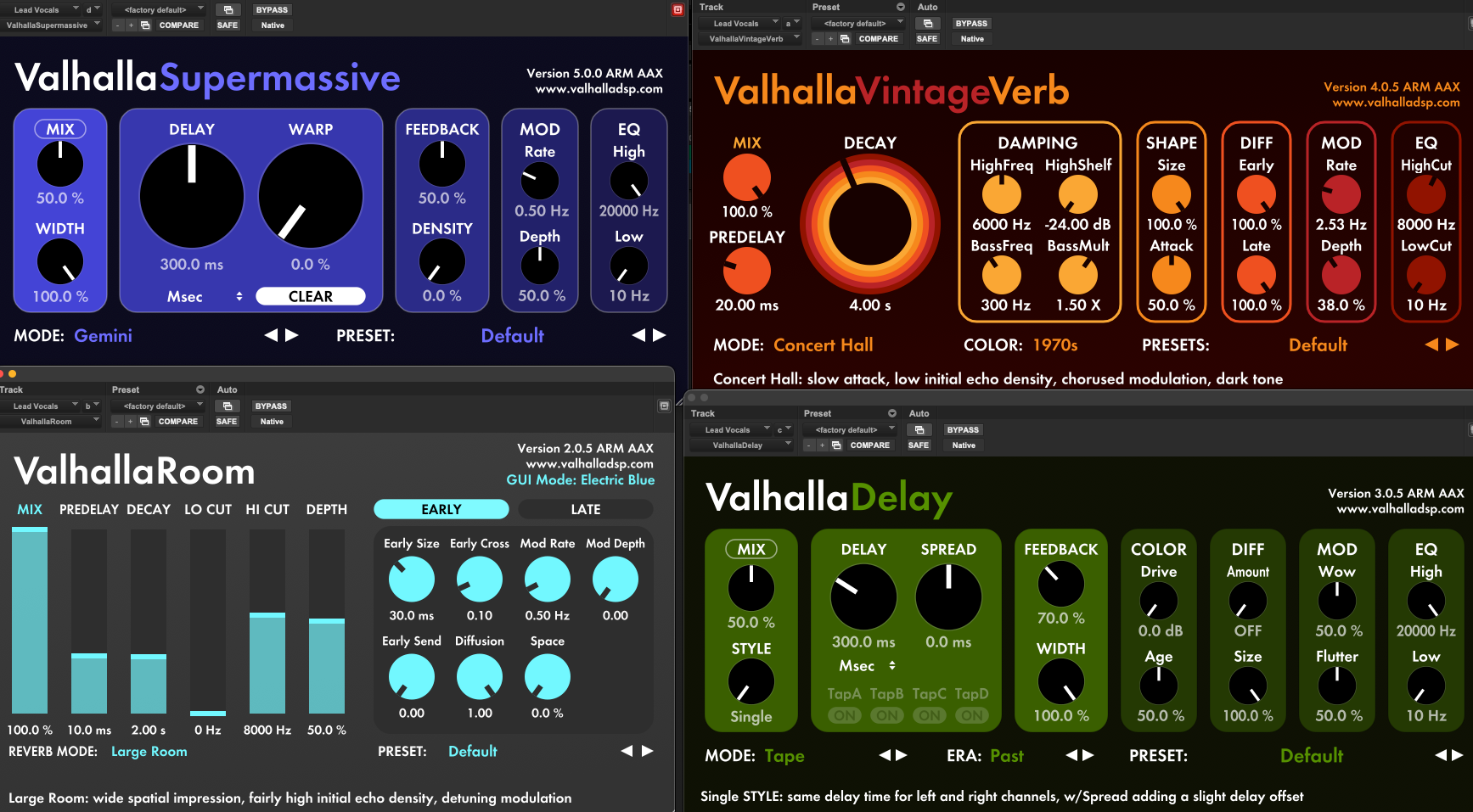
Valhalla Reverbs & Delays
These plugins are some of the best reverbs I have heard in the box in a moderate price range. Some of their plugs are free at the time of writing which is awesome too. Between the Room, Vintage and Supermassive, you can get a very good range of spaces from realistic to creative sound design, and all the plugins seem rock solid. The sound of the reverb can be transparent, characterful or just wild. The delay also has a bunch of versatile modes which makes it a real playground for sound design and mixing.
My tip for these plugins is that you can right click the ‘mix’ button so that it will stay put, where you set it (say 50% for example). When you cycle through the presets, this parameter will remain locked in place so you can preview all the effects in the correct context.
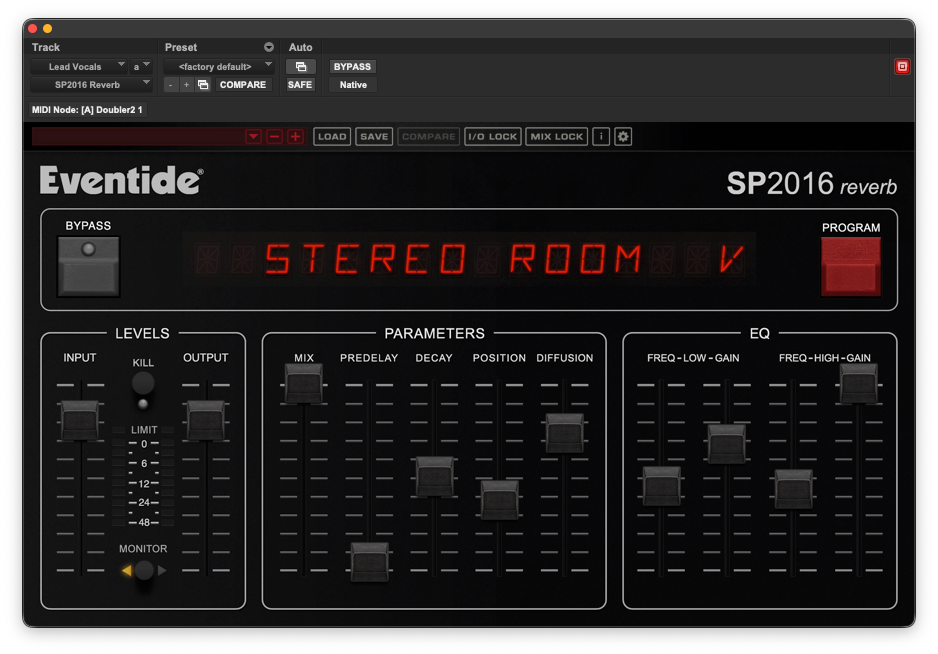
SP2016 Reverb
There are times when artist want absolute oceans of reverb on their tracks and it seems to me that a blend of reverbs can help to create this effect, so when all the Valhalla’s are already used up on sends and even more verb is needed, this can be when the SP2016 reverb is really useful. The 80s style of room seems to cut through quite well and it tends to only need a little bit of filtering to get it to sit well in the mix. Overall one of my favourite reverbs for sure.
My tip for this plugin is to make good use of the filters to get a sound that fits with the rest of the track to make the vocal feel like it sits and belongs with the music.
Best Vocal Plugins - Other
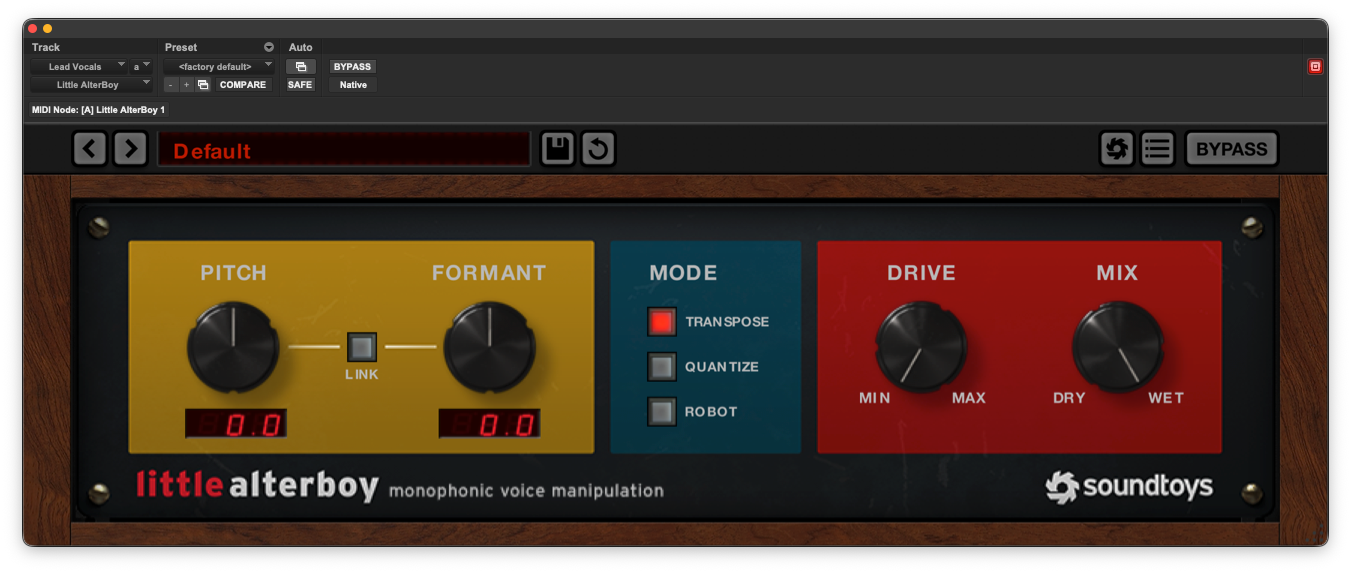
Little Alterboy
A special mention goes out to Little Alterboy, this tends to be really useful for adding a little bit of spice and flavour to the backing vocals, particularly when you only mix in a little bit of the effected signal. On a recent album I did, one of the pitch effect was to have the last line of the vocal pitch down at the end of the song. It was little Alterboy to the rescue.
My tip for this plugin is to explore the formant wheel without changing the pitch to make backing vocals feel a little more separated from the lead if/when they have been performed by the same artist, be subtle and it can be really cool.
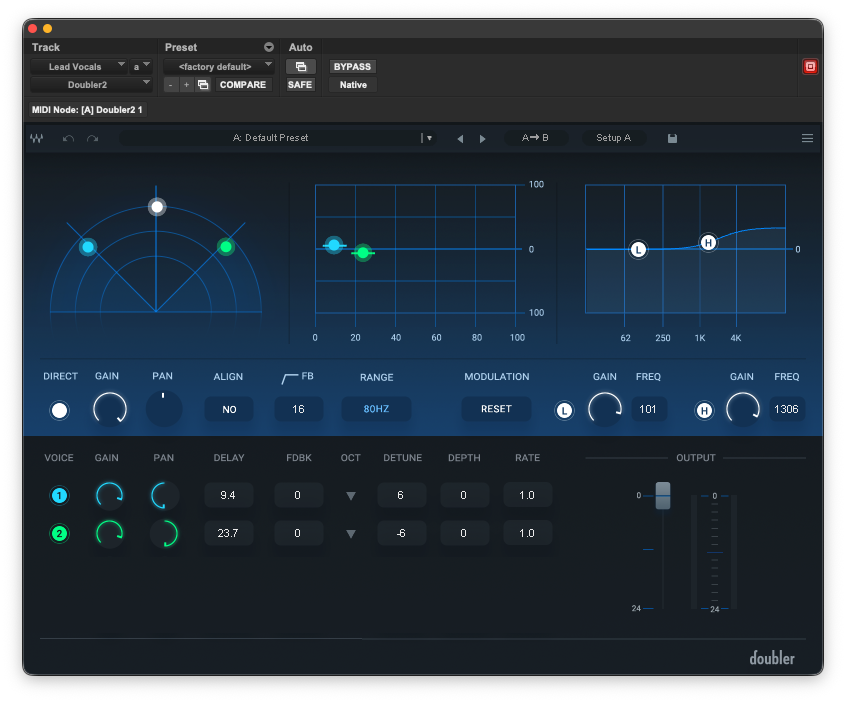
Waves Doubler
Again this is my go-to for backing vocals and ad-libs to give it a bit of stereo width, variation and subtlety. Waves doubler can go from thickening vocals to full on harmony, it really just creates modulated copies of the signal, but these can be adjusted and modulated which is what makes it powerful for creativity.
My tip for this plug-in is to listen to the whole track with only the sides information and see if the vocal is taking the right amount of space when compared to the music, doubler can help to bridge that gap by using the panning and modulation to create stereo width that links the music and vocal spatially in the stereo image.
That was my round up of the best vocal plugins. If you are looking for a mixing engineer to mix your tracks with attention to detail, care and professionalism please get in contact to find out more about my mixing and mastering or you hire me as your mixing and mastering engineer using the store or link below.
Let me know in the comments if you think I have missed any essential vocal chain plugins or if there are any that I need to check out, also if you know any other vocal processing tips or tricks that you want to share I would be super interested to learn about what you do for vocals.
This is for mixing and mastering services combined
You will send me your song (as multi-tracks, stems or audio files) and I will deliver a final stereo mix and master which you can use as the final release for your music.
You can also provide 1-2 reference tracks of pro songs similar to the final result you want to achieve. This will help to guide the type and style of final result that you are looking for.
The main styles that I mix are Pop, Electronic Music, Dance, R&B, Hip-Hop, Experimental, Ambient, Folk, Blues and Spoken Word.
If you want someone who will mix and master your track with professionalism, care, attention to detail and excellent sonic results. Look no further.
My approach is to be as conscientious as possible, letting your music be the focus. Mixing techniques and processes are used to highlight the ideas, narratives and concepts in your music and present them to a sonically high standard.
Balancing creativity and technicality is an important part of my process and a rare combination of skills. A blend of both has stood the test of time. Sometimes you need to throw caution to the wind, other times you need careful millisecond-accurate processing. Each track is an individual piece of work which contributes to the final project and should be treated as such.
Mix translation onto different systems is another key aspect of my workflow, to check that your idea translates on as wide a range of sound playback devices as possible.
A final area of concern for my work is creating dynamic music that keeps life and groove in the music.
When you purchase this service, there will be a form to complete. This will ask for some details, links to the audio files required, and possible references. There will also be a space to communicate your ideas for the song(s). If you are not sure, let me know and I will be happy to help to get the deliverables I need so you can get a great final result.
Each mix can be revised twice; after 2 revisions, more revisions can be purchased, if required, for a small fee.
Hopefully, this gives you enough information to get started. If you have any questions about the mixing and mastering process, please use the FAQ section, which has more information.
Delivery time for the mixes will depend on the amount of work I currently have and also the size of the song/project. Larger projects will take more time. Approximate delivery times can be provided. Please get in contact for more information.
You can expect a response within 1 working day when purchasing this service.
Matt Chapman22nd December 2025